
Sonar AI – Business Music Player
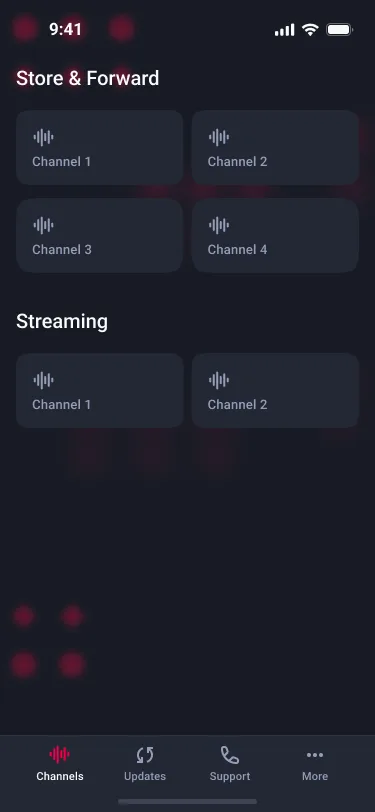
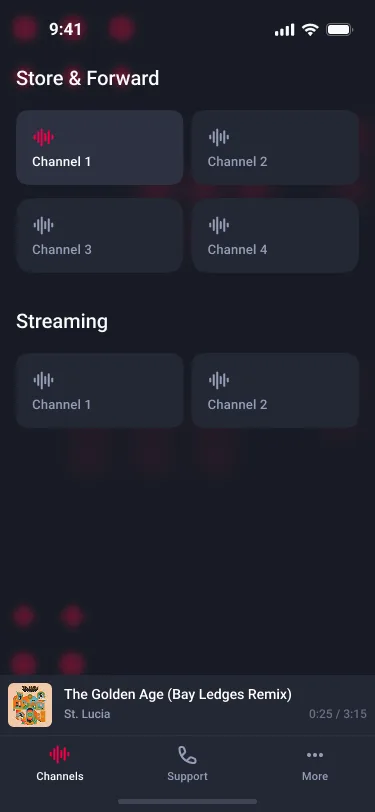
Sonar AI is a cross-platform background-music player for businesses such as shops, cafés and offices that pay for a Sonar Audio System plan. After a company user logs in, they see the music channels their contract includes. Each channel plays a playlist that the server schedules by weekday and start time. The app plays that schedule unattended, in the correct local time zone, and keeps playing when the internet connection drops.

Problem
Music must never stop. A shop can't have silence because of weak Wi-Fi, an app going to the background, or a device lock.
The schedule is time-sensitive. Tracks carry UTC start times and weekday rules, but each shop runs on its own local time and the playlist changes at midnight.
Hardware varies. Customers run it on Android tablets, iPads and Windows PCs, and each platform handles audio differently.
Network cost and reliability. Streaming every track all day wastes bandwidth and breaks when the connection drops.
Curation needs input. Operators had no way to tell the music team which tracks worked and which didn't.
Solution
Offline-first playback: a singleton download manager with a priority queue fetches tracks via secure URLs into per-channel folders, lets urgent tracks jump ahead, supports cancelling and cleans up unused files.
Multi-day caching: upcoming days' tracks download in the background, so the app keeps playing for days offline.
Time-zone-aware scheduling: UTC start times are converted to the device's time zone to build today's and live/upcoming playlists, with a midnight rollover.
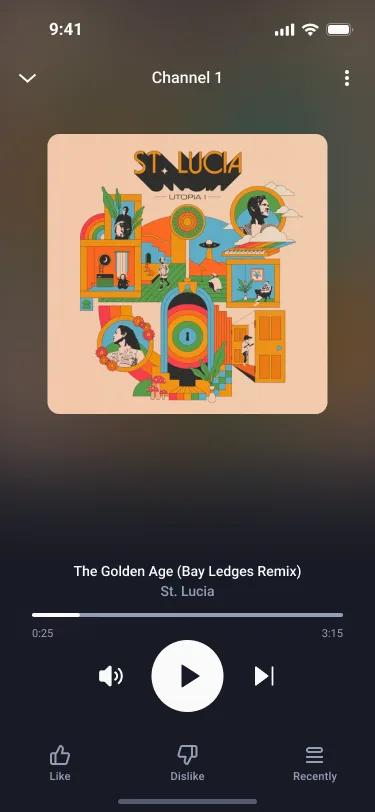
Background audio: lock-screen and notification controls, interruption handling, and a Windows fallback that retries audio sources.
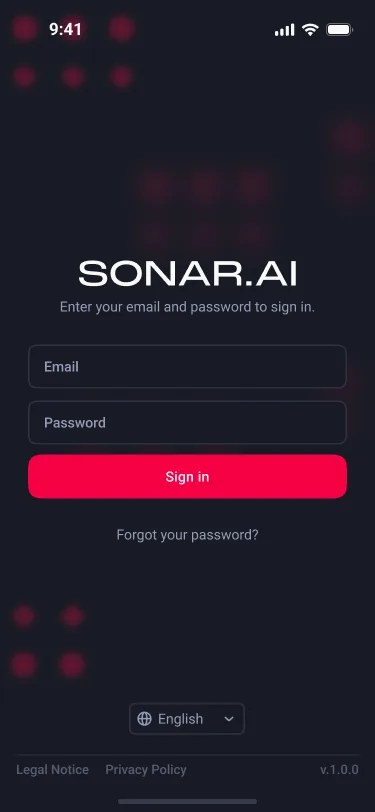
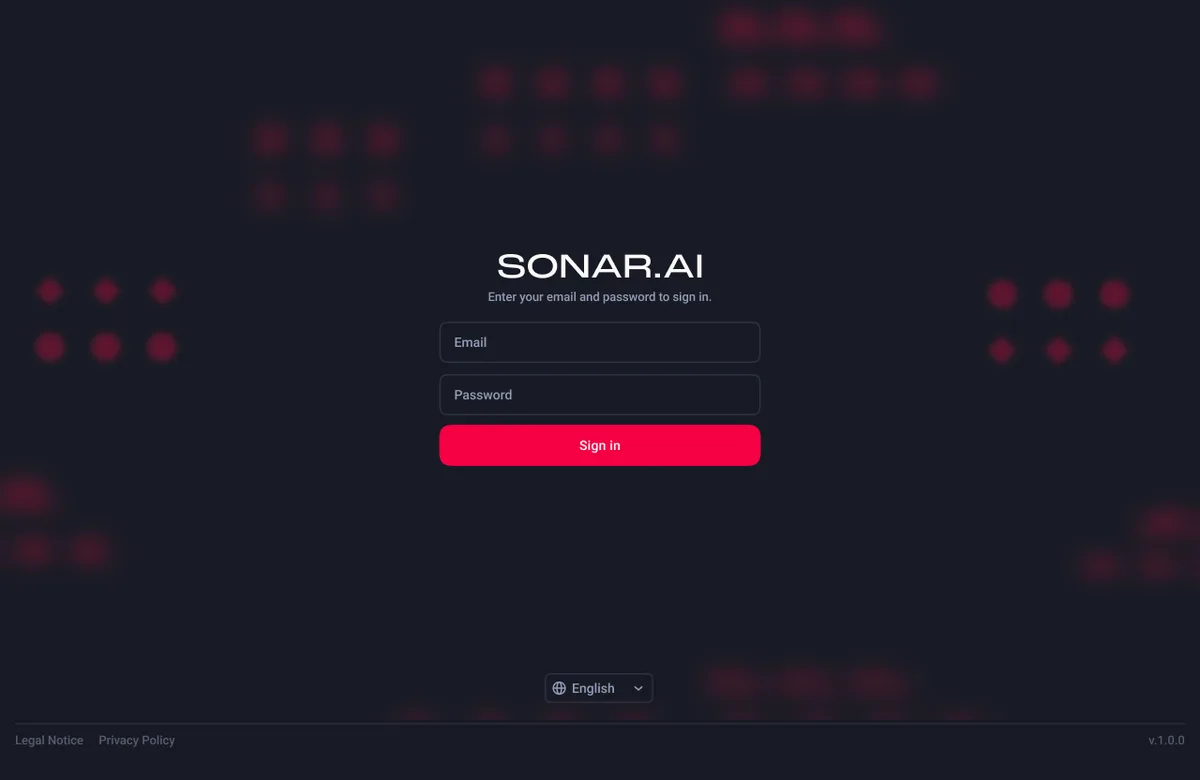
Token auth with auto-refresh, saved sessions and password reset.
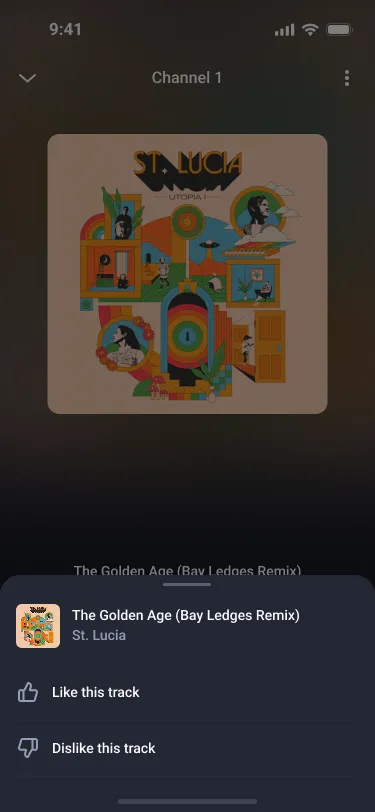
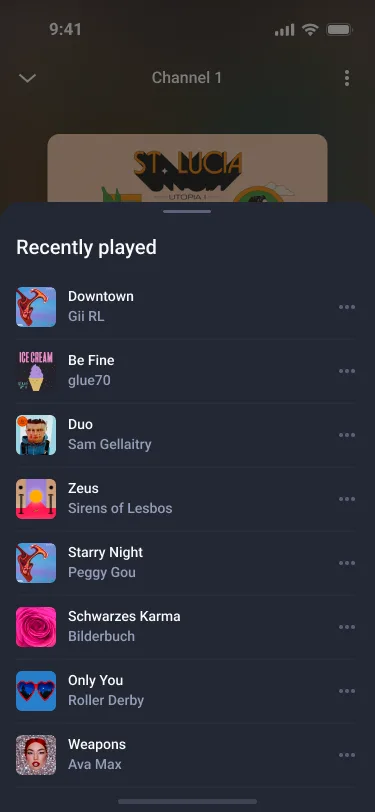
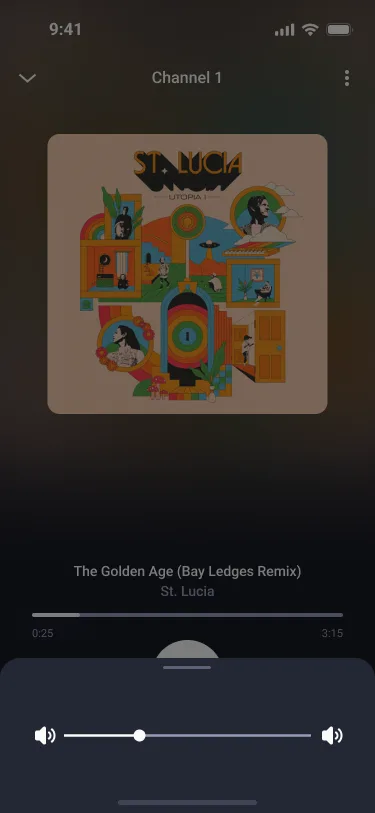
Like/dislike feedback synced to the backend, volume control, recent history and a responsive phone/tablet/desktop layout.
My Role
Built caching and background downloads for several days ahead, so shops keep playing through network outages.
Rewrote playlist handling to be time-zone-aware, and moved downloads into per-channel storage keyed by track ID.
Added like/dislike feedback end to end: the UI, the provider, saving it locally, and the API call.
Integrated device volume control and fixed playback edge cases: resuming, moving to the next or previous track, and inserting a track from history.
Improved error handling, logging and caching, and made the UI more consistent (touch targets, keyboard dismissal).
Worked in feature branches with PR reviews on a shared GitHub repo.
ProjectGallery