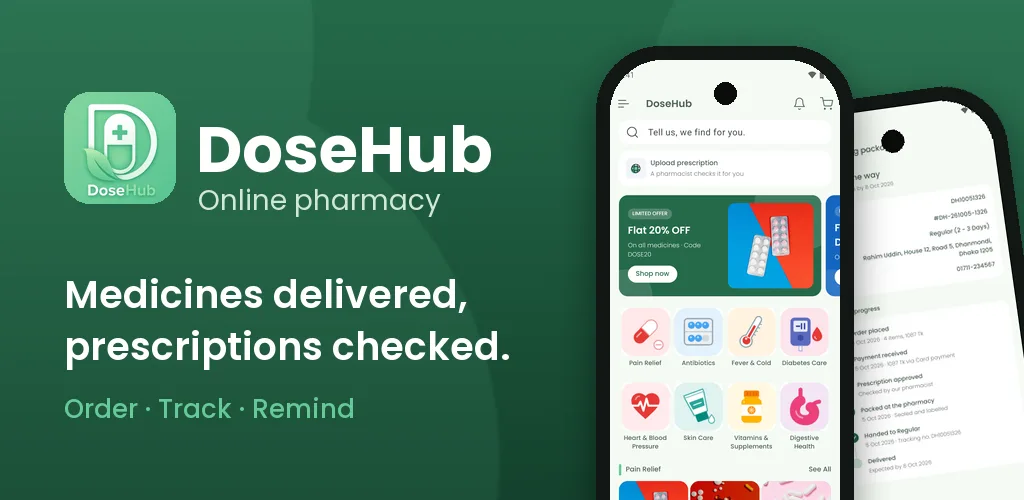

DoseHub - Pharmacy App
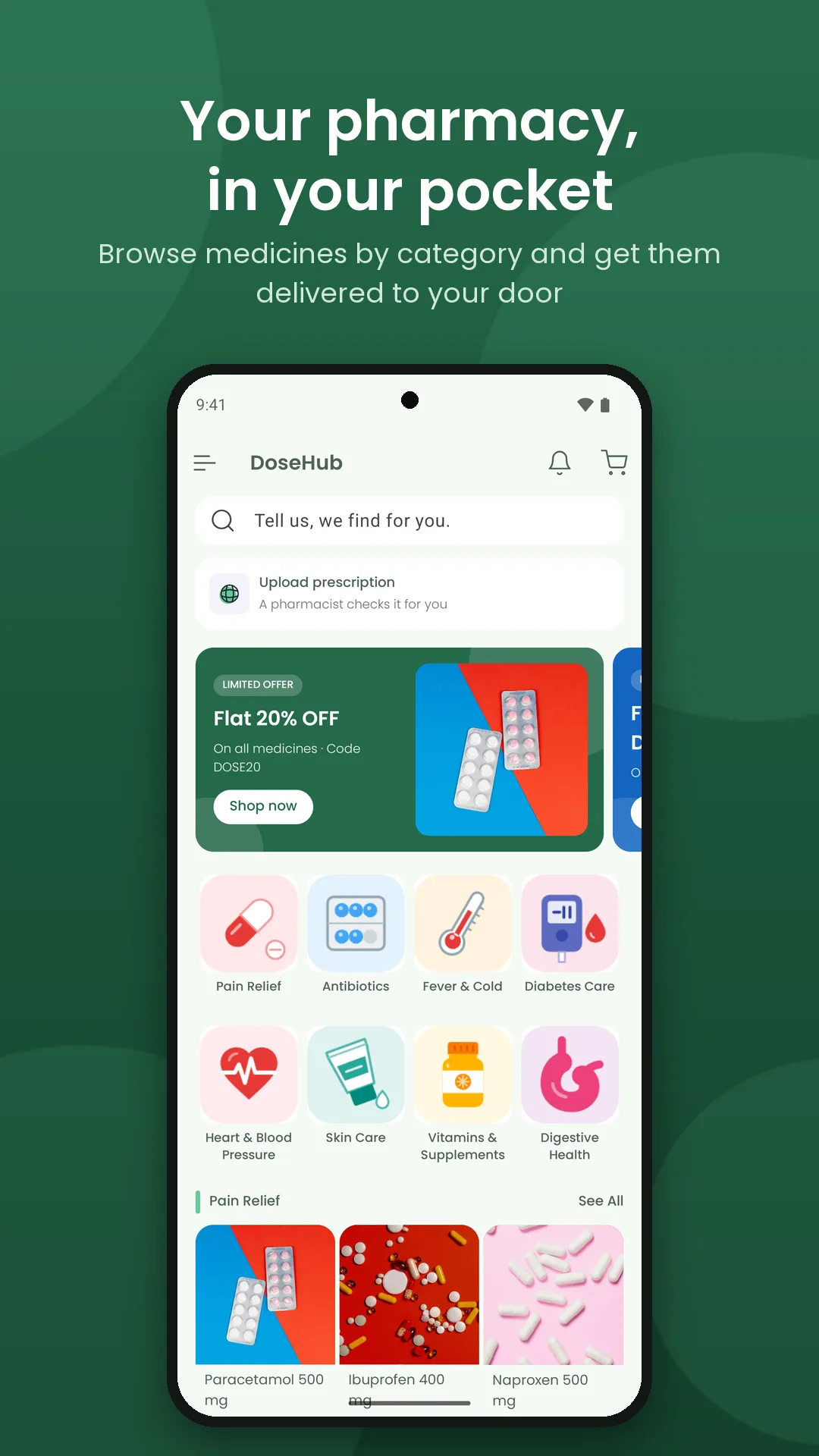
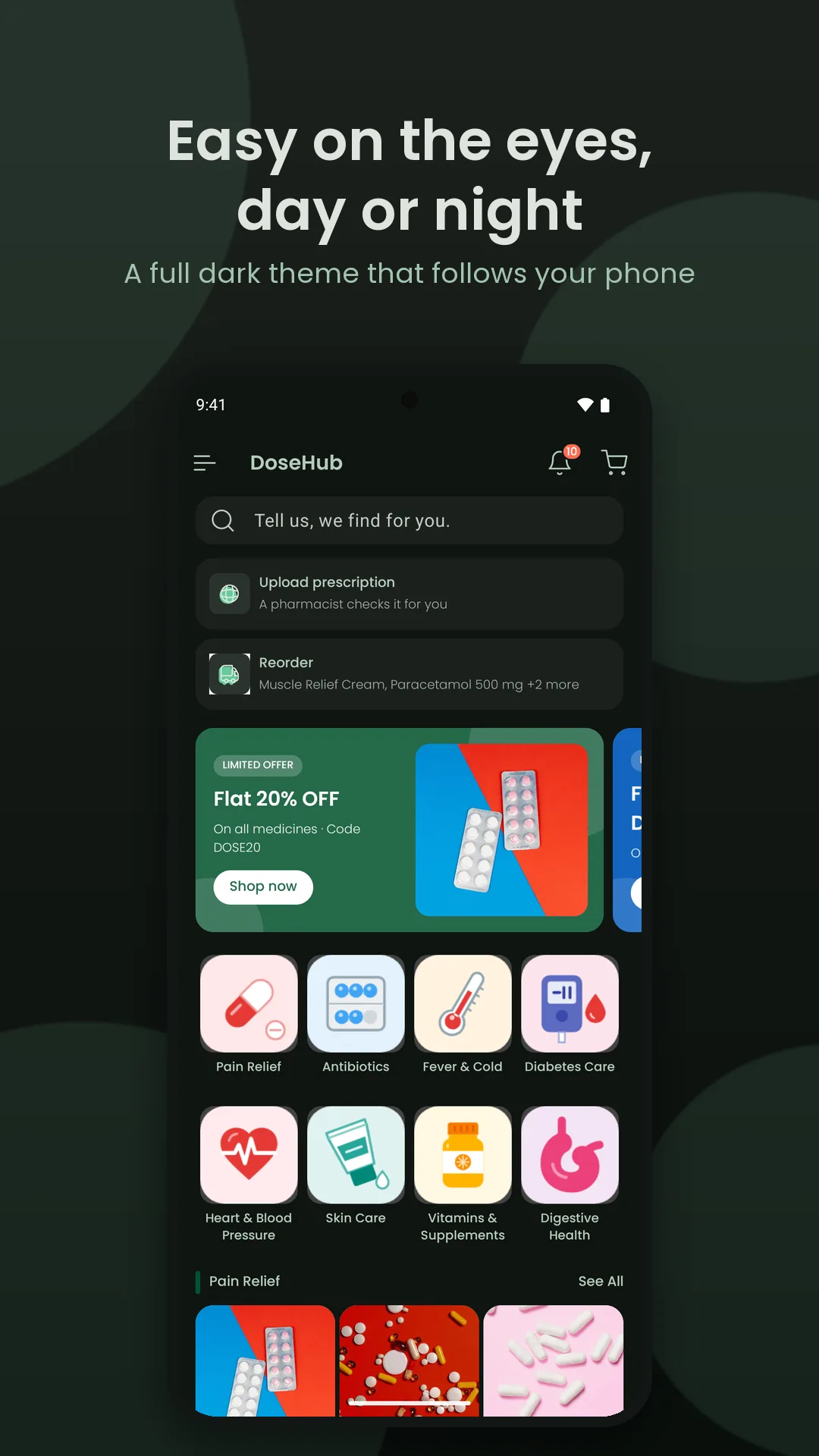
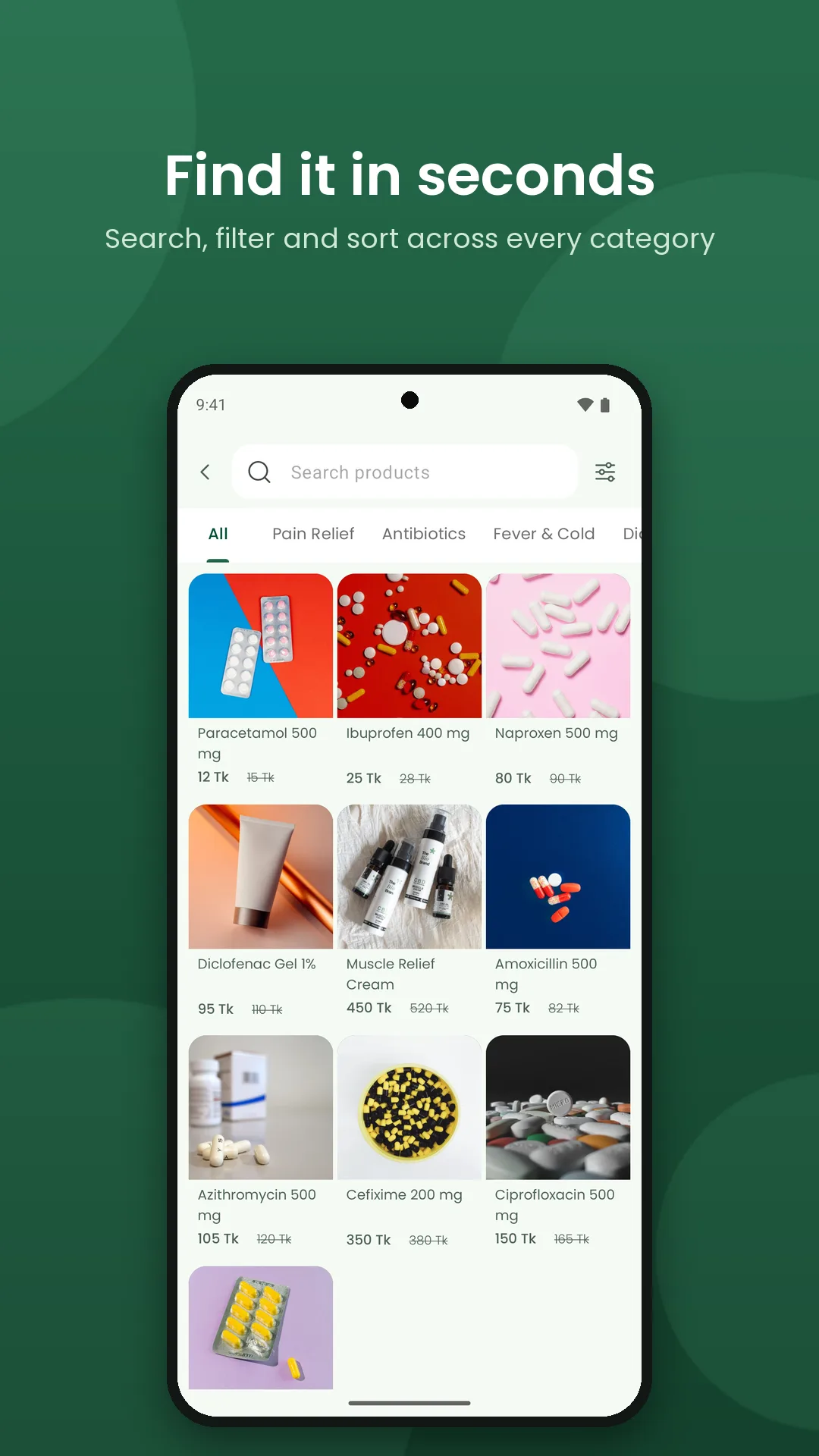
DoseHub is an online pharmacy app for Android. People browse medicines by category, compare brands, upload prescriptions, pay, track their order to the door and set medicine reminders. It is a complete, working demo: the whole customer journey runs on built-in sample data, so anyone can try every screen without an account server. It has about 21 screens and 14 bottom sheets in light and dark themes, built with Kotlin, XML and ViewBinding on Material 3.

Problem
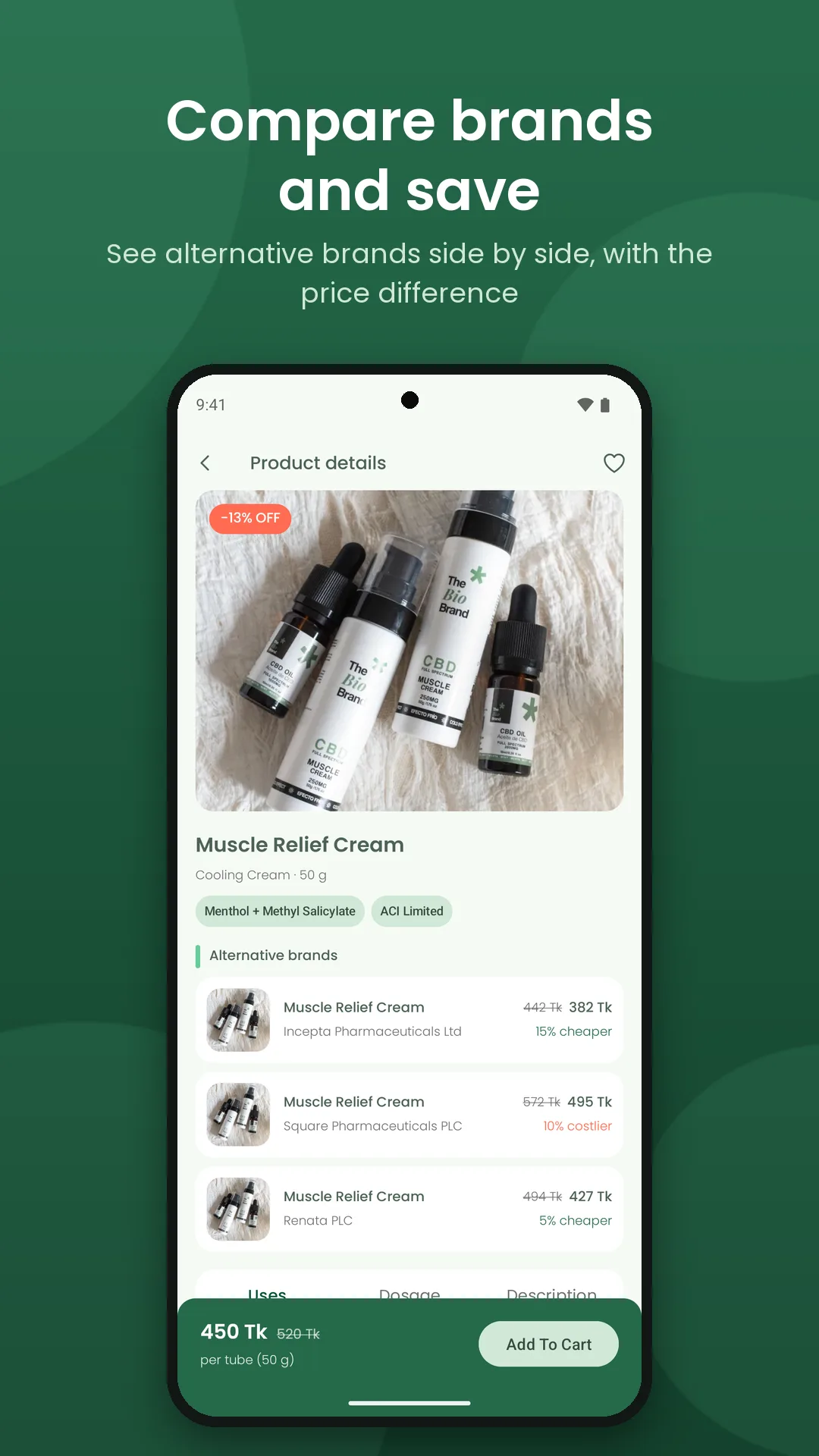
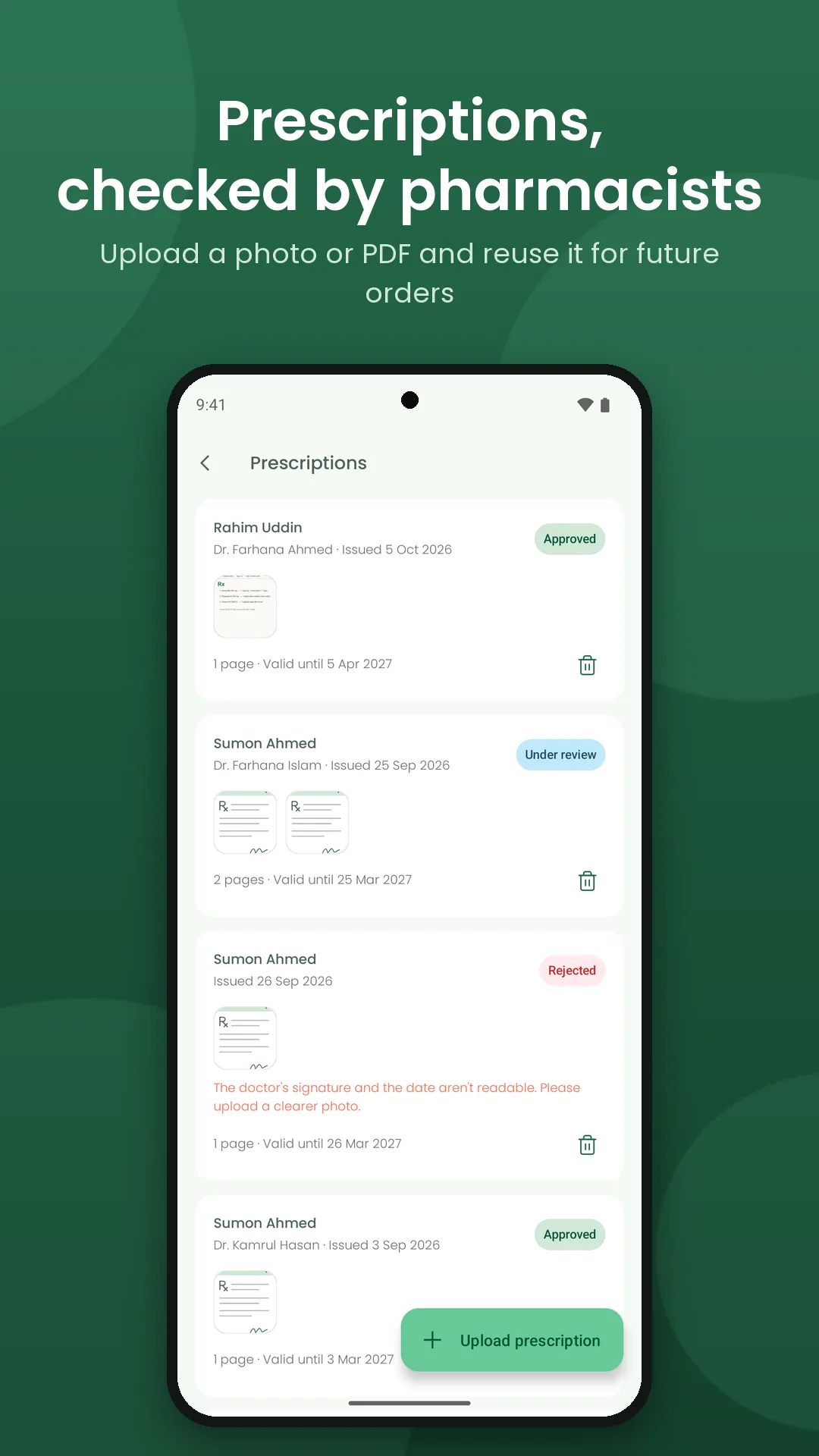
Buying medicine online is harder than ordinary e-commerce. Some medicines can't ship until a pharmacist checks a prescription, and most shop apps have no step for it. One drug comes from several brands at different prices and pack sizes, so customers miss the cheaper option. Many people pay with bKash, Nagad or cash on delivery instead of cards. People forget doses, and refilling a regular order is tedious. And a pharmacy app is hard to demo when the pharmacy and courier side doesn't exist yet.
Solution
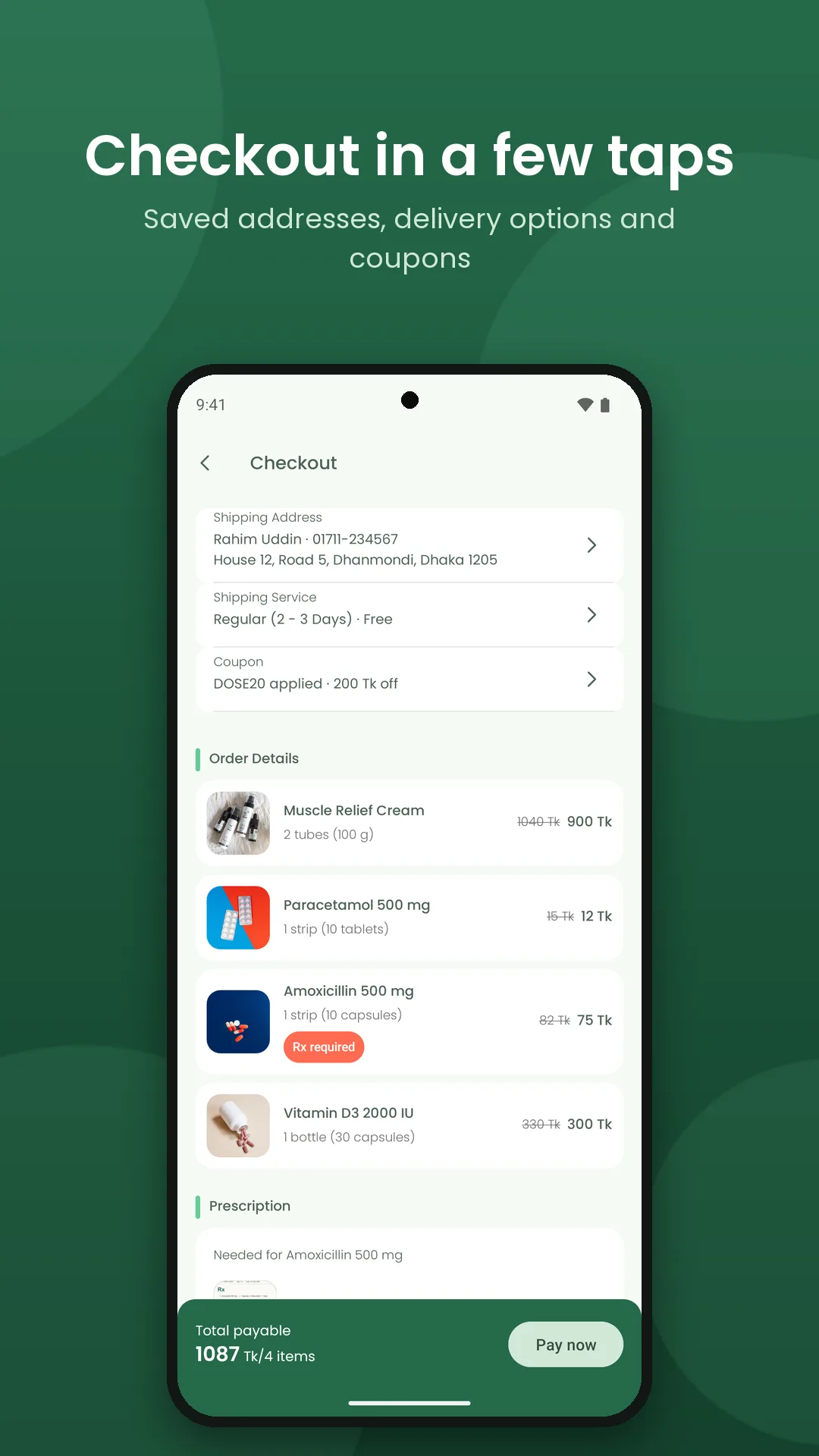
A prescription flow built into the order: photo or PDF upload, with a clear status (under review, approved, rejected with a reason).
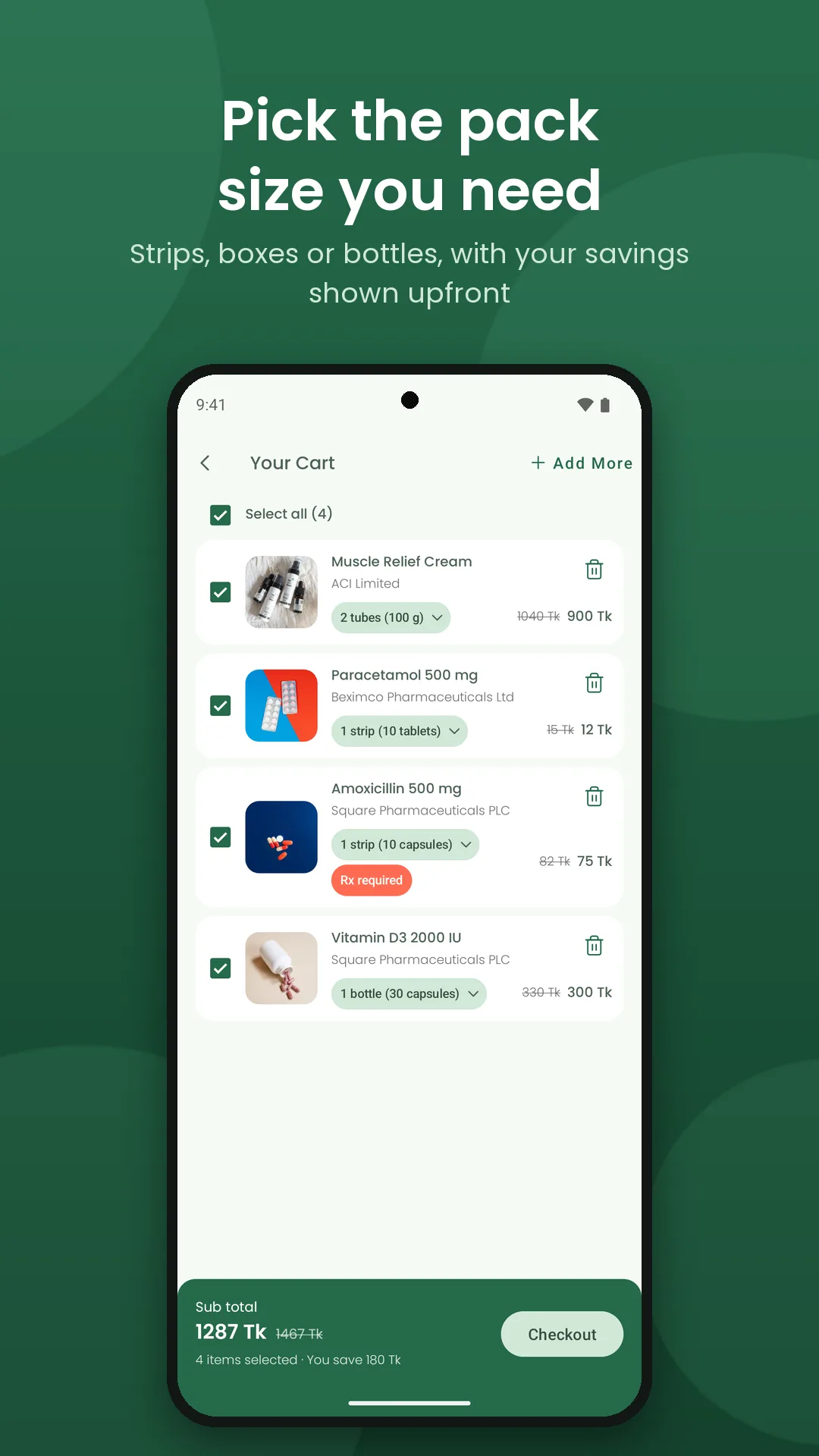
Alternative brands with the price difference on every product page, plus pack sizes and savings in the cart.
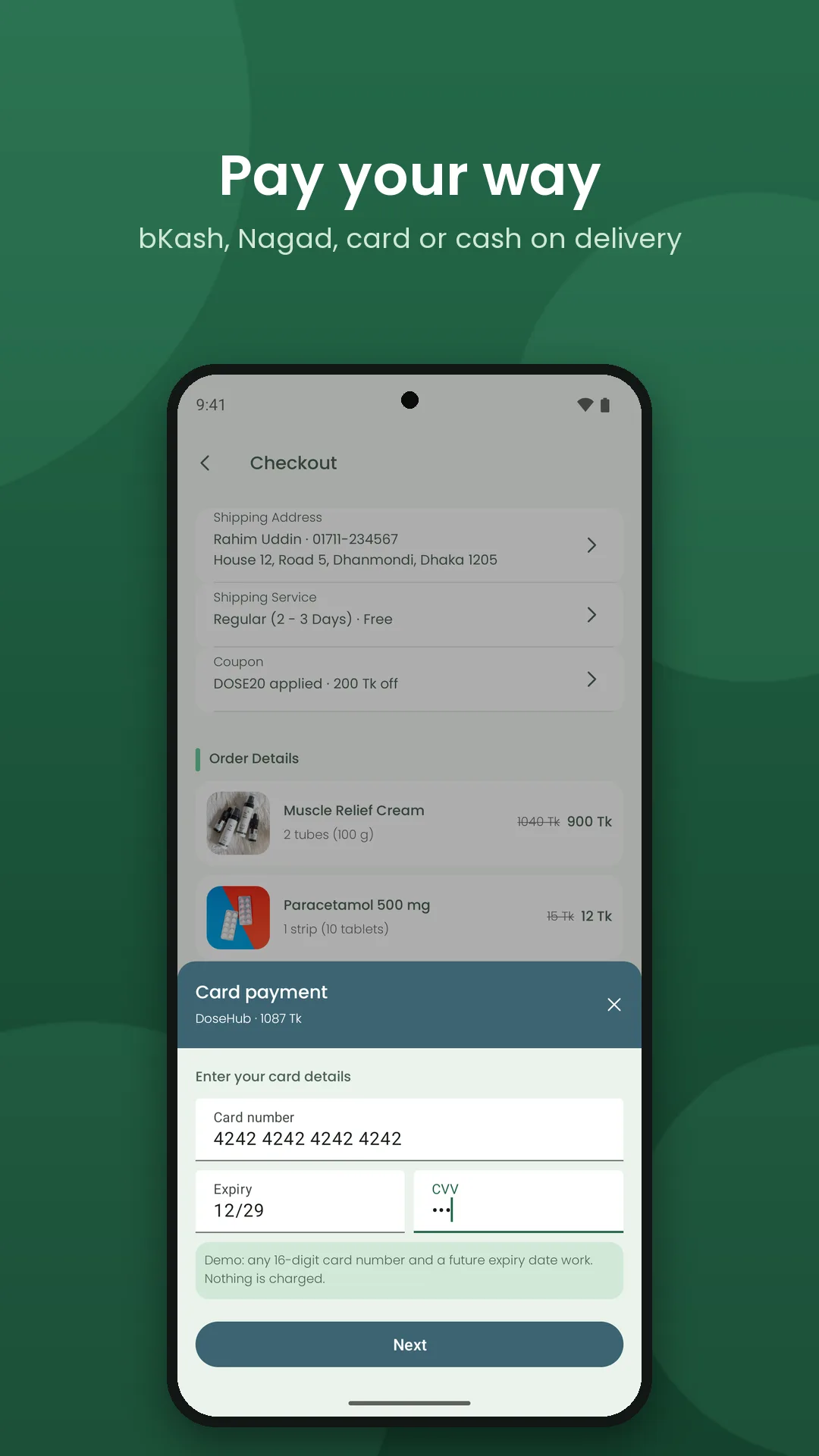
Cash on delivery, bKash, Nagad and card payment flows, with a card form that formats as you type.
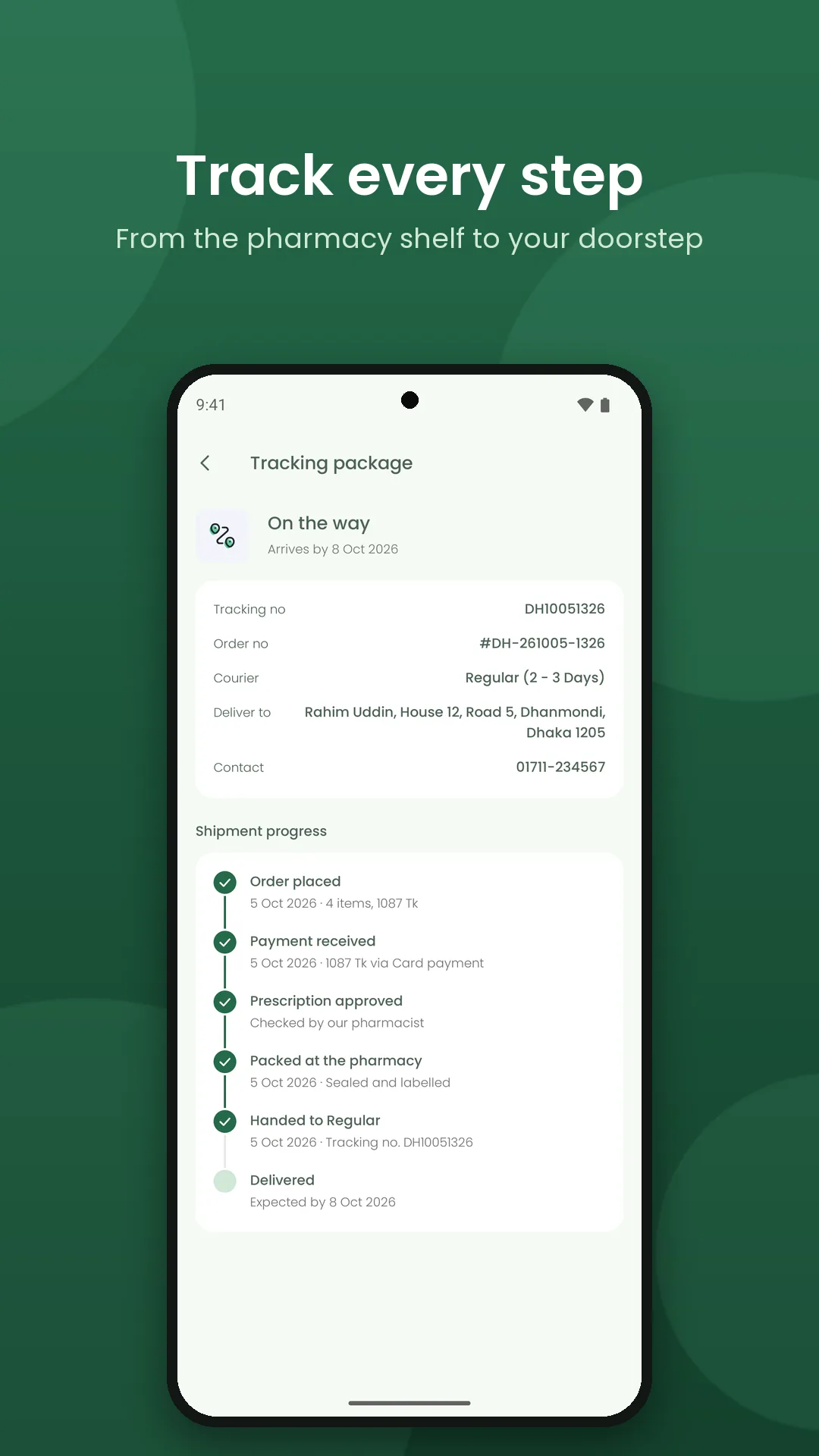
An order tracking timeline, from order placed to delivered.
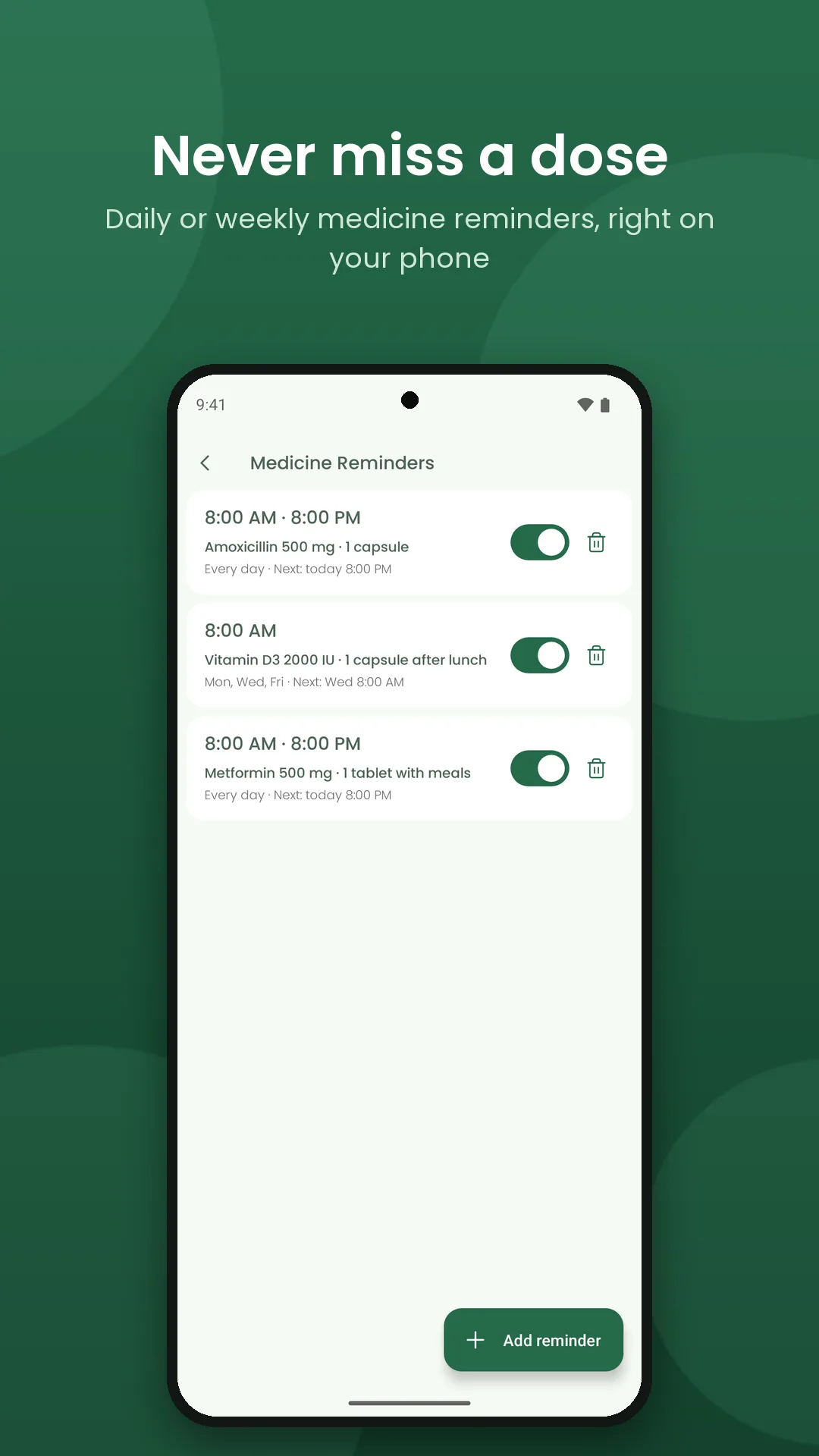
Medicine reminders that survive a phone restart, and one-tap reorder.
A hidden Demo Controls screen that plays the pharmacy and the courier, so the whole journey can be shown in minutes.
Screens that only talk to repository interfaces, with Retrofit already in place, so a real API can replace the mock data without rewriting the UI.
My Role
Sole designer and Android developer, from first screen to Play Store release:
Product and UX: planned the customer journey and the order and prescription states.
UI design: a Material 3 design system with a full dark theme.
Android development: all screens and the data layer, reminder alarms and notifications, prescription upload, and the payment and order flows.
Release: signing setup and the Play Store listing.
ProjectGallery